


Nothing Launches Warp App for Seamless File Transfers Between Android and Computers
Nothing unveils Warp app for easy transfers between Android and your computer
 Gsm Arena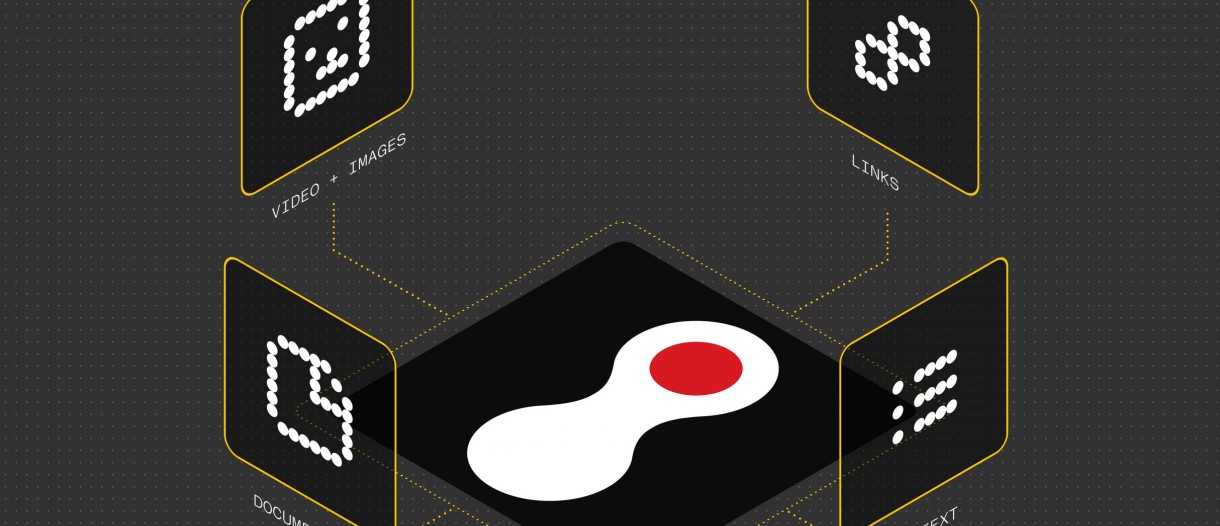
Image: Gsm Arena
Nothing has introduced the Warp app, enabling easy file transfers between Android devices and computers running macOS, Windows, or Linux. Available for free on the Play Store, Warp allows users to send files, links, and images effortlessly through their Google Drive without storing data.
- 01Nothing Warp facilitates file transfers between Android devices and computers.
- 02The app is free to download from the Play Store.
- 03Users need to install the Warp extension for Google Chrome or Chromium-based browsers.
- 04Transfers occur via Google Drive, ensuring data privacy.
- 05Warp integrates into the Android share menu for user convenience.
Advertisement
In-Article Ad
Nothing has unveiled the Warp app, designed to simplify file transfers between Android devices and computers running macOS, Windows, or Linux. Available for free on the Google Play Store, Warp allows users to send files, links, copied text, and images effortlessly. To use Warp, users must also install the Warp extension for Google Chrome or other Chromium-based browsers, which can be found in the Chrome Web Store. Once connected using the same Google account on both devices, transferring files becomes seamless. Notably, Warp transfers files through the user's Google Drive, meaning that it does not store or access any personal data, ensuring user privacy. This innovative solution positions Nothing alongside other tech giants like Google and Samsung, who are also enhancing file transfer capabilities for their devices.
Advertisement
In-Article Ad
Warp makes it easier for users to transfer files without relying on traditional methods, enhancing productivity.
Advertisement
In-Article Ad
Reader Poll
Do you find file transfer apps useful for your daily tasks?
Connecting to poll...
Read the original article
Visit the source for the complete story.